Solutions · Reporting
The reporting you send when you know what needs attention.
QBR packs, Excel exports, client emails and scheduled reports generated from the PSA data you already have.
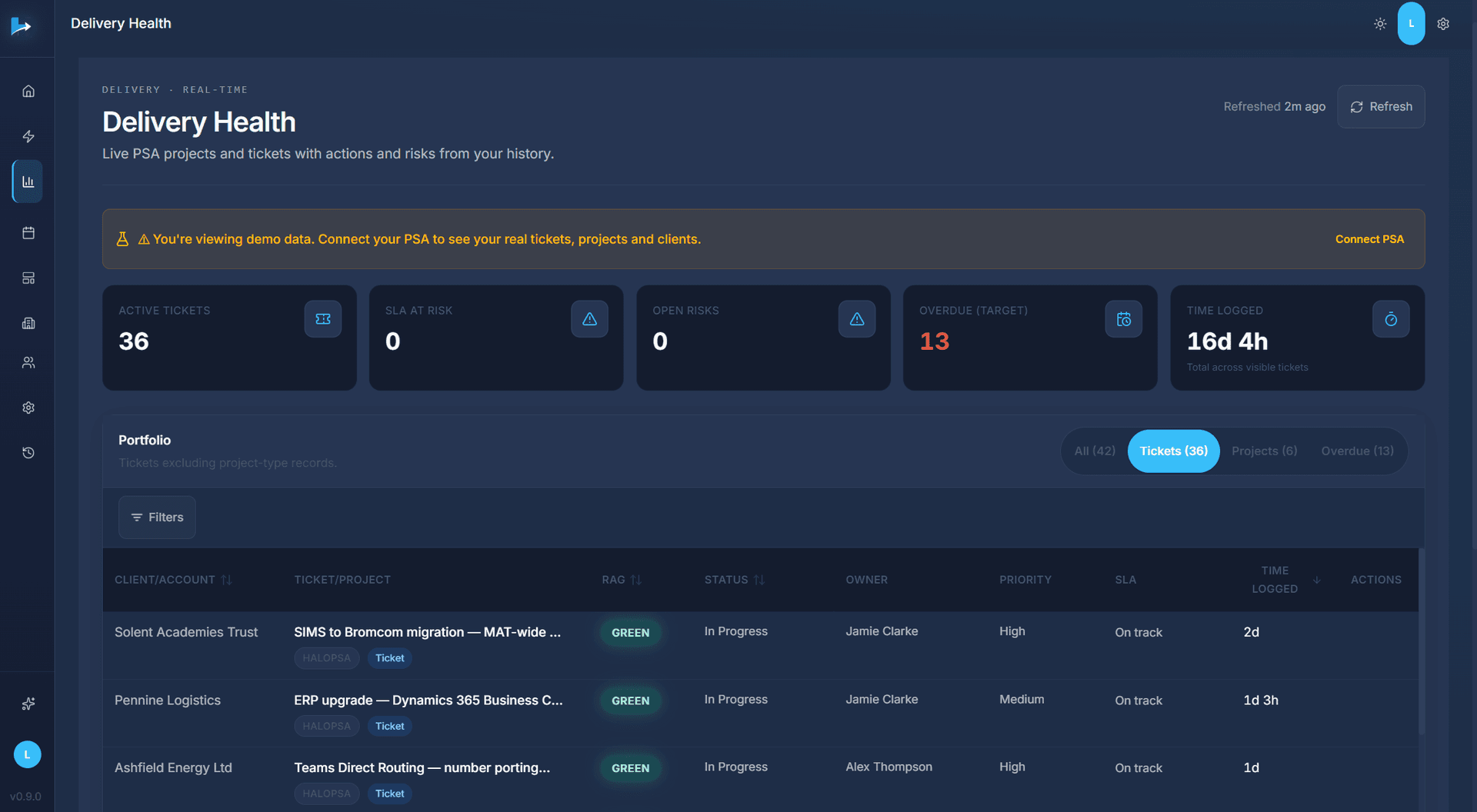
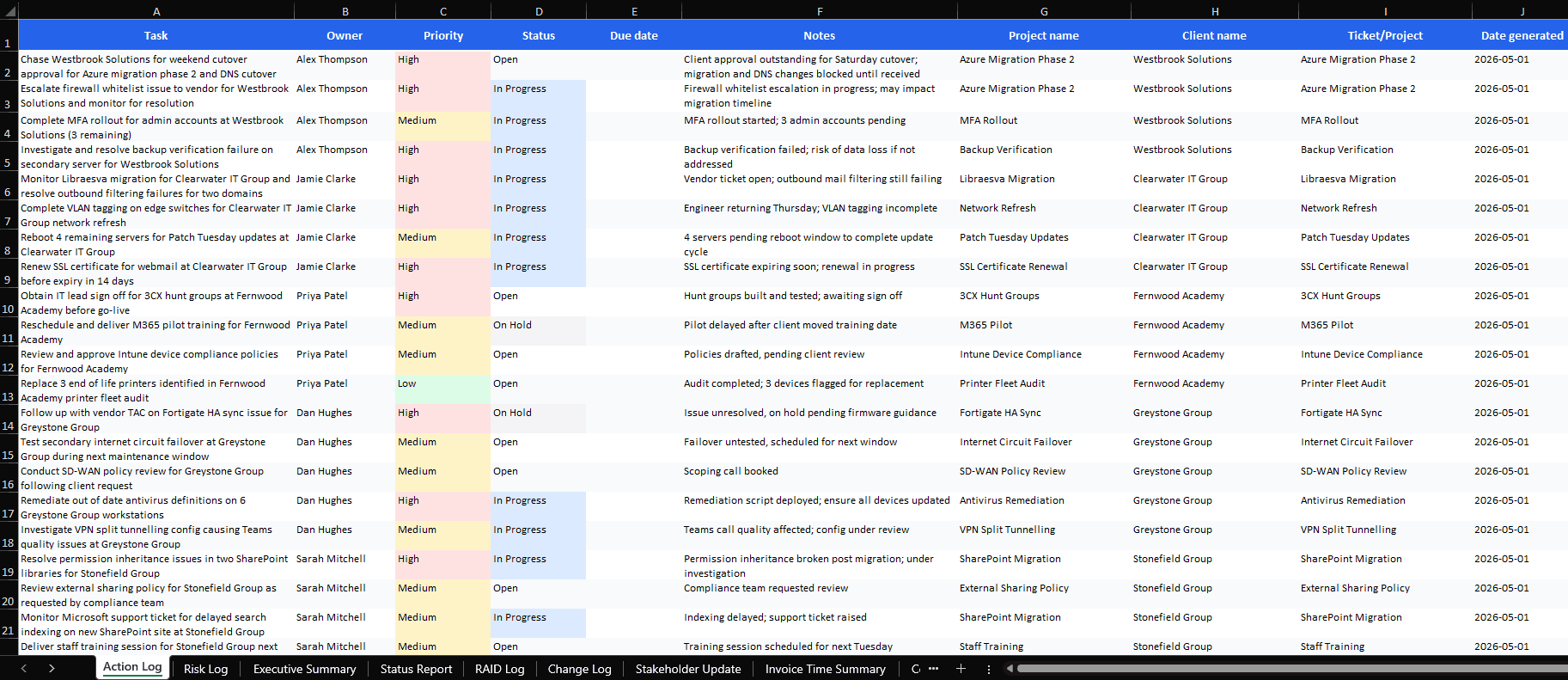
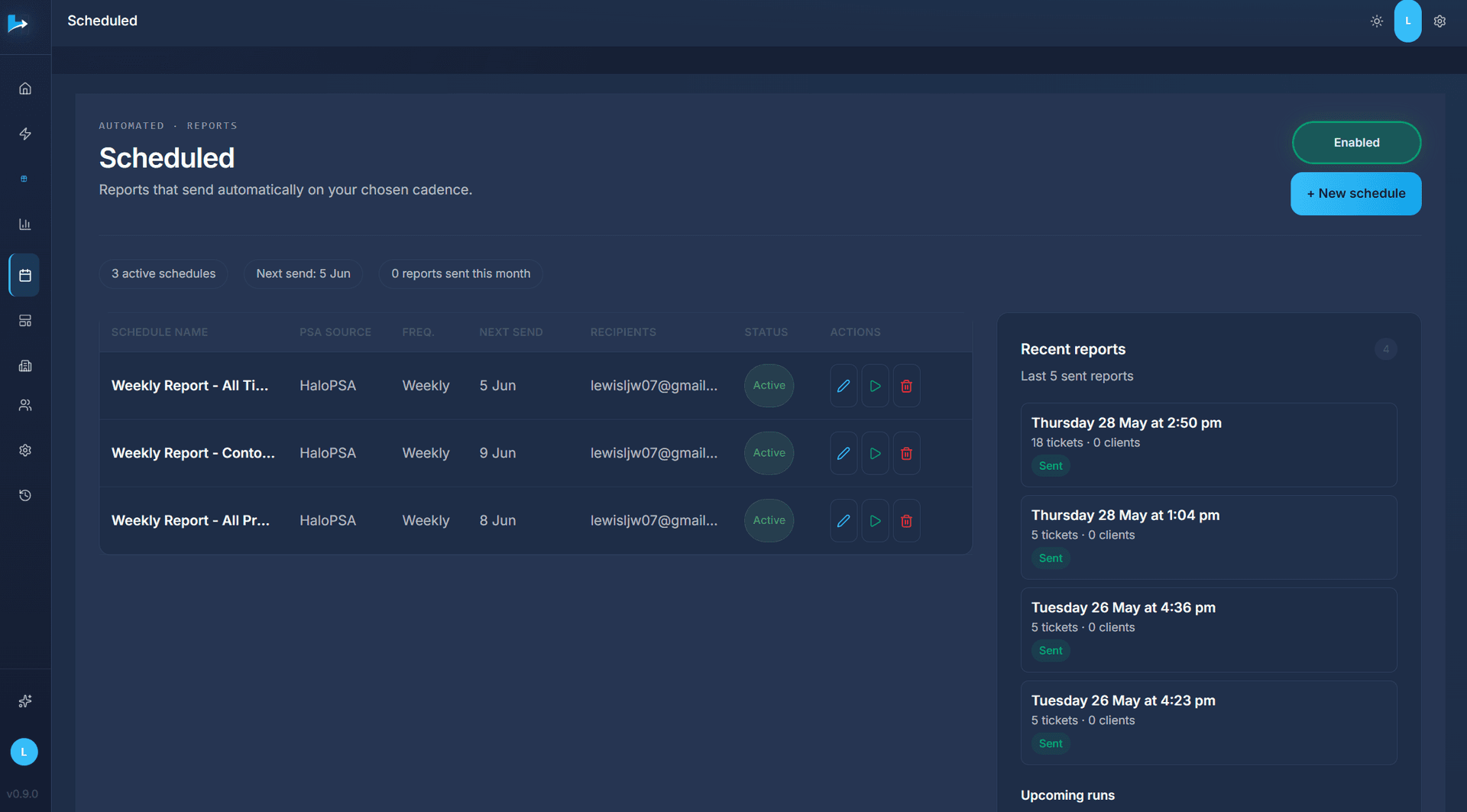
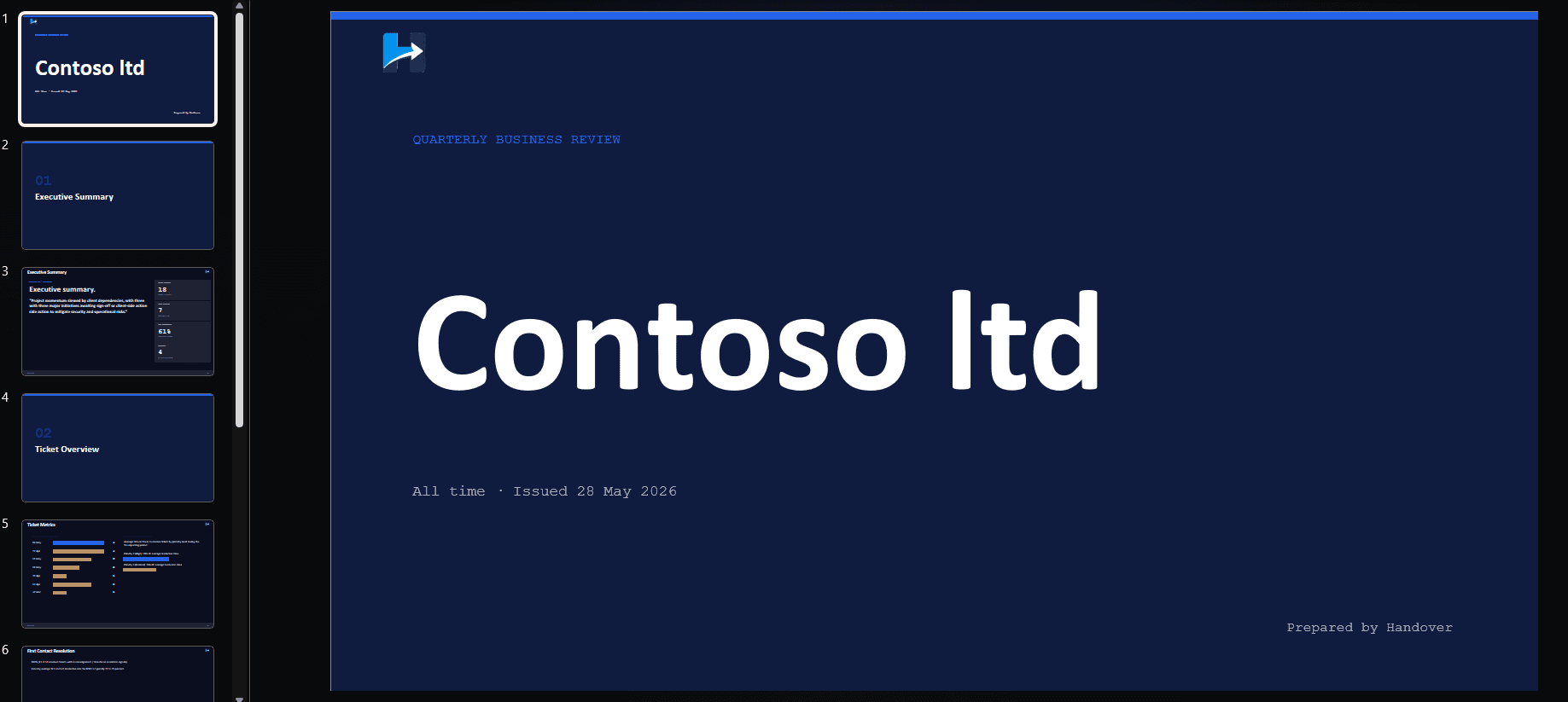
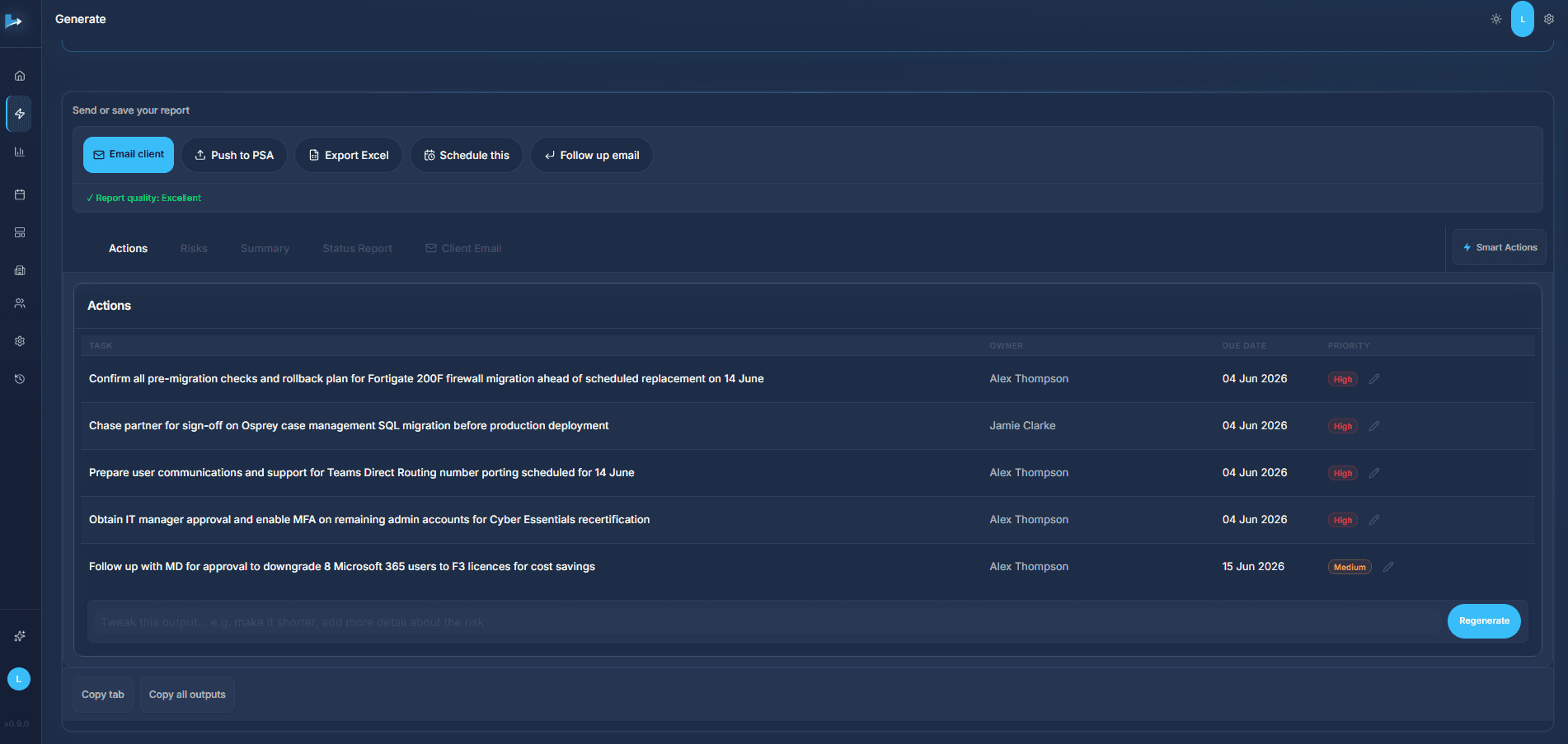
Example output
See which clients need attention, with the evidence.
Connect HaloPSA or ConnectWise. Handover reads live ticket data and shows what changed, then the outputs you send when you're ready.
2 minute walkthrough: PSA import, report generation, Client Intelligence, what needs attention
GenerateSample data
✓ Report quality: Excellent
| TASK | OWNER | DUE DATE | PRIORITY |
|---|---|---|---|
| Monitor Office 365 outbound email delivery for sales team following SPF record update - confirm no further delivery failures before closure | Alex Thompson | 02 Jun 2026 | High |
| Follow up on procurement approval for hardware tokens to complete MFA rollout for 3 remote workers | Jamie Clarke | 05 Jun 2026 | Medium |
| Prepare for Fortigate 200F firewall migration - migration window scheduled for Saturday 14 June | Alex Thompson | 09 Jun 2026 | Medium |
| Begin Phase 2 (archive migration) for SharePoint migration in planning department next week | Jamie Clarke | 11 Jun 2026 | Medium |
| Chase partner sign-off for Osprey case management system upgrade before production deployment | Alex Thompson | 14 Jun 2026 | High |
| Complete number porting and deliver user training for Teams Direct Routing VoIP - target go-live 30 June | Alex Thompson | 18 Jun 2026 | Medium |
| Chase client IT manager for approval to close MFA gap on 2 admin accounts for Cyber Essentials recertification | Alex Thompson | 21 Jun 2026 | High |
✓5 sample accounts✓Commercial + service + relationship signals✓Evidence-backed attention list
Reporting outputs
When you're ready to show the work.
These are sample files showing the QBR and Excel outputs Handover can produce. They are example outputs, not a live scan of your PSA.